Updating the Stormshield SSL VPN client
This section explains how to update the Stormshield SSL VPN client for macOS.
Matrix of updates to version 5
| Original version | Information to take into account when updating to version 5 |
|---|---|
| Version 5 |
|
 Update possible without uninstalling version 5. The program that installs the update to version 5 will replace the current version.
IMPORTANT
Downgrades to a lower version are not supported. If you wish to go back to an earlier version, you must first uninstall the current version, then install the new version.
Updating in macOS
You must be the local workstation administrator in order to update the Stormshield SSL VPN client.
- Ensure that the Stormshield SSL VPN client is no longer running.
-
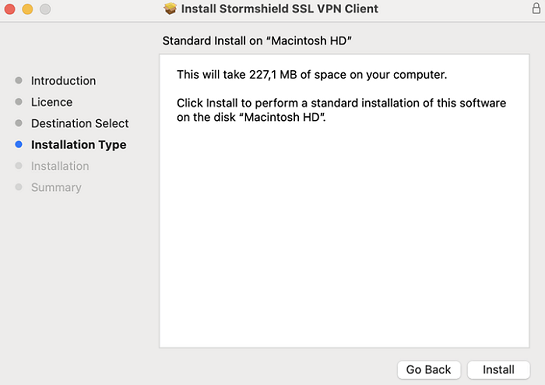
Install the update by running the package (.pkg file) that was downloaded earlier.
-
Follow the steps in the installation wizard.
As of version 5.1.3 of the Stormshield SSL VPN client, the scripts sslvpn_connect.sh and sslvpn_disconnect.sh are no longer needed in order to manage the DNS servers provided by the SNS firewall. To delete them, go to the following location:
/Applications/Stormshield/SSL VPN Client.app/Contents/MacOS/Modules/ssl-vpn/etc/