Installing the Stormshield SSL VPN client
You must be the local workstation administrator in order to install the Stormshield SSL VPN client.
-
Run the installation package (.pkg file) that was downloaded earlier.
-
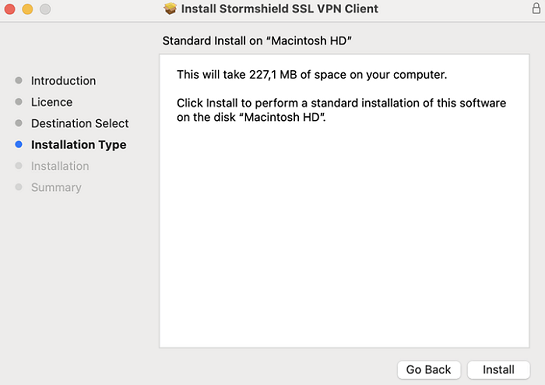
Follow the steps in the installation wizard.
-
If the OpenVPN gateway on the SNS firewall provides a specific DNS configuration to use, the configuration is not natively applied by OpenVPN under macOS. You will need a local solution that can apply it, such as a third-party script.
Once you have the script, you need to create symbolic links so that the Stormshield SSL VPN client can use it when opening and closing SSL VPN connections. Stormshield SSL VPN client scripts have to be placed in the location below and named as follows:
/Applications/Stormshield/SSL VPN Client.app/Contents/MacOS/Modules/ssl-vpn/etc/sslvpn_connect.sh
/Applications/Stormshield/SSL VPN Client.app/Contents/MacOS/Modules/ssl-vpn/etc/sslvpn_disconnect.sh
NOTE
A mobile device management (MDM) solution can also be used to deploy the Stormshield SSL VPN client, but such solutions are not covered in this section.