Viewing Tunnel Details on the Firewall - Check Logs
Showing details of tunnels on the firewall
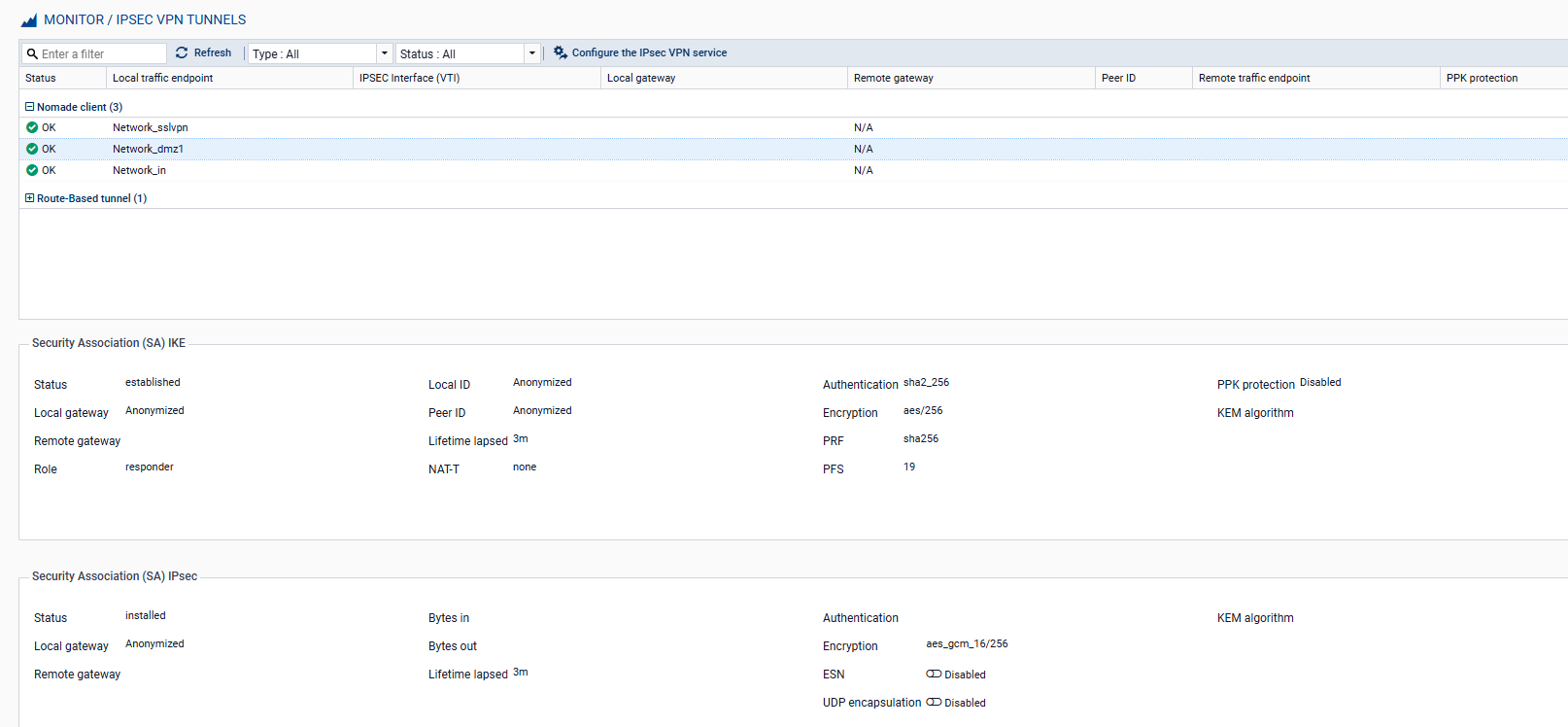
The Monitoring > Monitoring > IPsec VPN tunnels module is used to view the established tunnels. Select a tunnel to display the various information and statistics relating to it:
Check logs – View errors
When a tunnel fails to establish, the Monitoring > Audit Logs > VPN module allows you to view error messages to help guide the troubleshooting process.