Viewing debug logs
An administrator from your organization may ask you to enable debug logs.
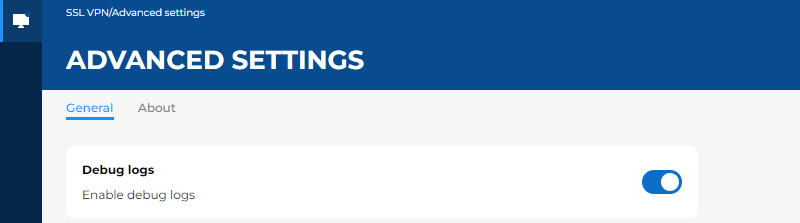
Enabling debug logs
- Go to the Advanced settings menu, General tab.
- Enable the setting Enable debug logs
 .
.
Accessing debug logs
These logs are found at the following locations. To access the service's logs, you must hold the required privileges on the workstation.
- In Windows:
Service logs:
C:\ProgramData\Stormshield\SSL VPN Client\Logs\
User logs:
C:\Users\<user>\AppData\Local\Stormshield\SSL VPN Client\Logs\
- In macOS:
Service logs:
/Library/Application Support/Stormshield/SSL VPN Client/Logs/
User logs:
/Users/<user>/Library/Application Support/Stormshield/SSL VPN Client/Logs/
- In Linux:
Service logs:
/var/log/stormshield/sslvpnclient/
User logs:
$HOME/.local/share/stormshield/sslvpnclient/logs/